How to design a hybrid meeting room that works for UK businesses

How to design a hybrid meeting room that works for UK businesses
Hybrid meeting room design is no longer a niche concern for UK businesses. Around 91% of UK workers now take part in online or hybrid meetings, compared with 83% who still meet in person. Some 28% of working adults in Great Britain are in hybrid jobs, the highest share on record. Yet 74% of hybrid employees report difficulties during meetings, from poor audio to missed visual cues. Adding a camera to a traditional boardroom rarely fixes these problems. A well-planned room puts remote and in-room participants on equal terms from the outset. That principle, often called meeting equity, should shape every decision that follows.
Core principles of hybrid meeting room design
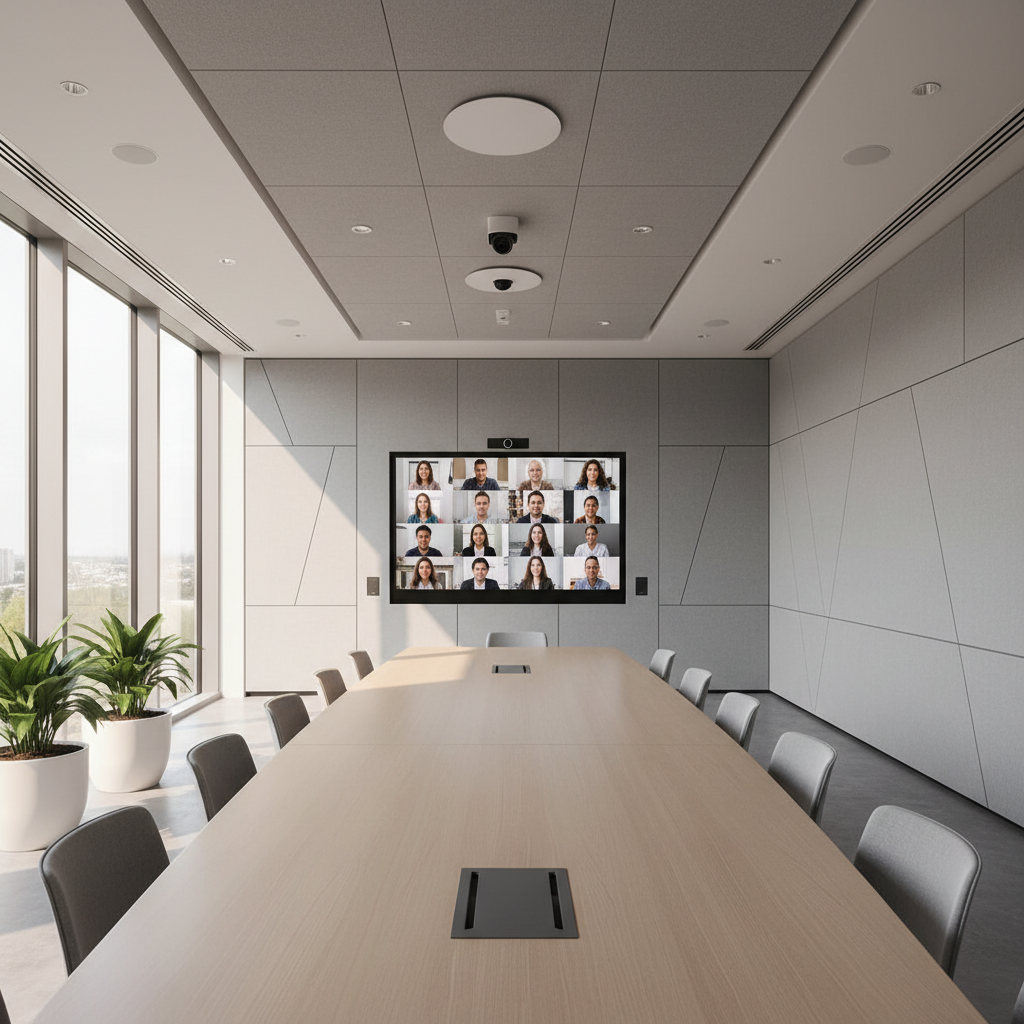
Start with the layout. Seat in-room attendees on one side of a straight or curved table, facing the main display, so remote colleagues can see and be seen by everyone. Match the room to its main use, whether that is a boardroom, project room, training space or client-facing suite. Size it around the typical number of people in the room plus expected remote attendees, rather than maximum capacity. Place large screens at eye level to make remote participants feel present. Control natural light with blinds or frosted glazing, and avoid seating speakers with windows behind them. A flexible plan also lets the space handle both scheduled meetings and spontaneous video calls.
Prioritise clear audio and simple controls
Audio is consistently the biggest pain point in hybrid meetings, so it deserves the largest share of attention. Ceiling microphones capture speakers evenly without cluttering the table, while digital signal processing handles echo and background noise. Modern offices often feature glass and hard surfaces, so acoustic treatment is worth considering alongside the technology. Usability matters just as much. Around 79% of UK workers say they lose time to the "meeting tax", and employees lose roughly seven minutes getting hybrid meetings started. Worse, 71% admit to abandoning attempts to get video technology working. A touch panel with one-touch join and simple wireless sharing removes much of that friction.
Features worth including
Standardise across your estate
For multi-site organisations, consistency is as valuable as individual room quality. A room standard that can be rolled out across offices means staff get the same experience wherever they work. This reduces training needs, improves adoption and lowers the support burden on IT teams. Integrated systems, where audio, video and control are designed to work together, tend to deliver this more reliably than mixed components. Remote monitoring and management tools also help teams spot faults before users do. To see how an end-to-end approach can support your next project, visit the Biamp website and explore its conferencing, control and room solutions. Planning tools can help integrators configure spaces correctly before installation begins, which saves time and avoids costly rework.
The best hybrid meeting room design is not necessarily the most expensive. It is the room that is easy to use, acoustically sound, visually balanced and consistent across the workplace. Involve facilities, IT and the people who will use the space from the earliest planning stage. Treat installation, training and ongoing support as part of the design rather than an afterthought. With that foundation in place, UK businesses can give every participant a fair voice, wherever they join from.